

Realistic Construction Simulation on PC
Overview
Construction Simulator 2014 offers a simulation-focused experience centered around operating heavy construction machinery in a virtual environment. The software allows players to manage and complete construction tasks such as excavating, laying concrete, transporting materials, and operating equipment like excavators, dump trucks, and cranes. Designed for users interested in construction workflows, the game supports progression from small-scale contracts to managing full building sites.
The developer, 1C Company, has positioned this software as a tool for engaging with construction logistics and machine operation, targeting hobbyists and simulation enthusiasts. Real-world usage scenarios include practicing vehicle handling, understanding construction site dynamics, and managing job assignments. The game’s progression system rewards players with increased earnings and access to advanced machinery as they complete tasks.
While the simulation emphasizes mechanical operation, it does not include advanced real-time physics or complex environmental modeling. The developer did not provide additional system requirements beyond the operating systems listed.
Key Features & Capabilities
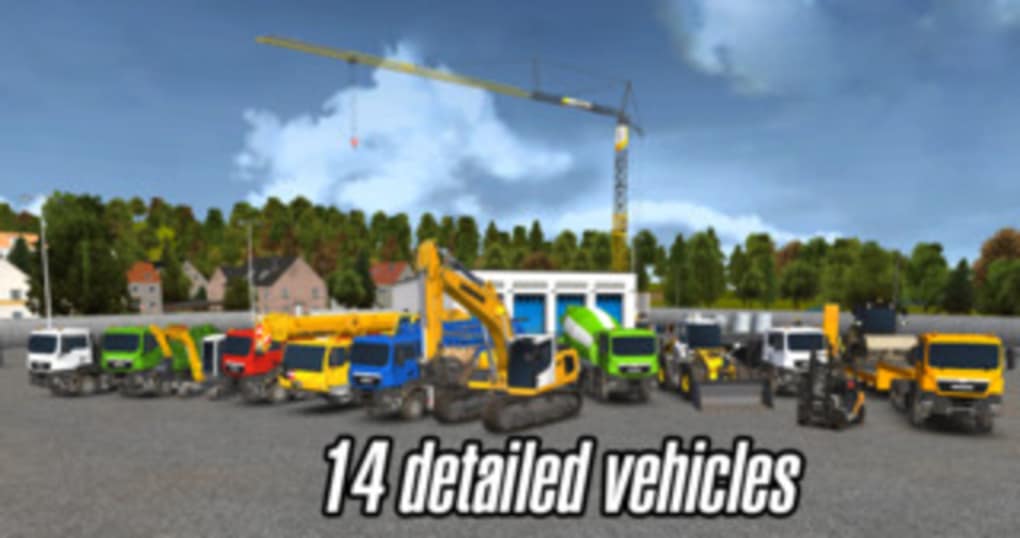
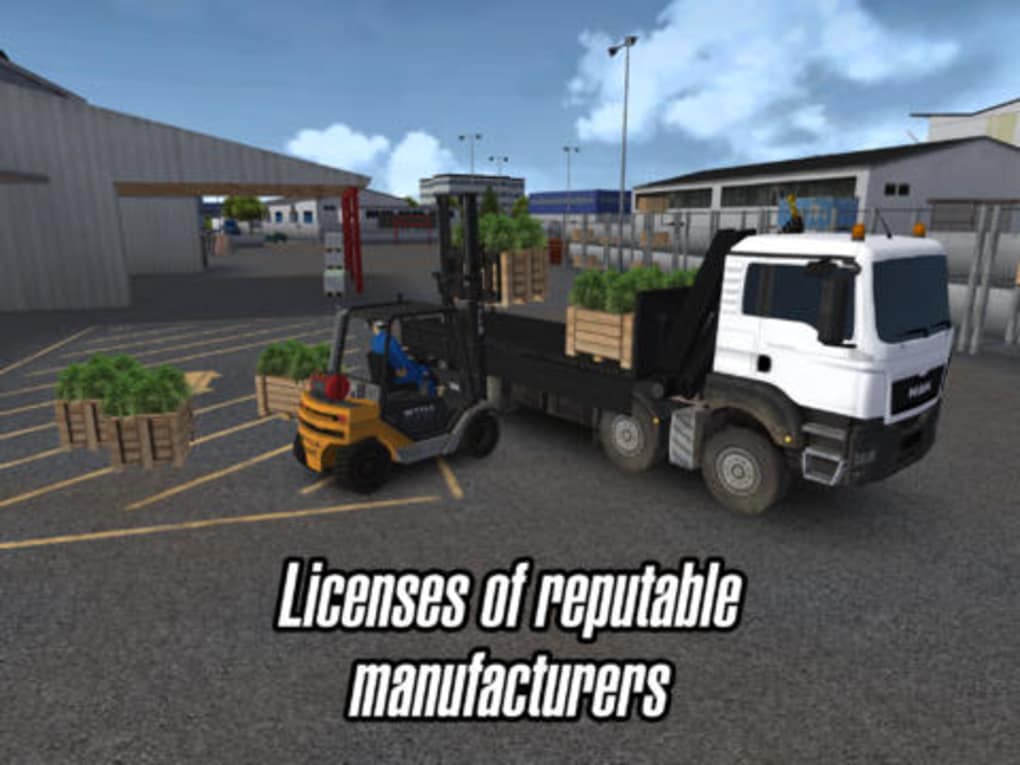
- Heavy Machinery Operation: Players control realistic construction vehicles such as excavators, dump trucks, concrete pumps, and wheel loaders, each with distinct handling characteristics.
- Progressive Job System: Starting with basic transport and excavation tasks, players earn money and experience to unlock larger machines and more complex jobs.
- Contract Management: Users can assign parts of completed jobs to laborers, retaining payment only for work they personally performed.
- Vehicle Delivery System: Machines can be delivered directly to job sites, reducing travel time and improving workflow efficiency.
- Build Mode: On-site, players enter a detailed control mode to operate machinery with button-based or tilt-based steering.
- Learning Tools: A built-in tutorial guides new users through vehicle operation and basic construction tasks.
These features support hands-on learning in vehicle handling and site logistics. The ability to pass tasks to laborers adds a strategic layer, allowing players to focus on high-value operations. The delivery system streamlines workflow by eliminating unnecessary travel. While the game does not include advanced AI or dynamic weather, the core simulation of equipment use remains consistent across tasks. The developer did not specify resource usage details, and performance observations are based on general software behavior patterns.
User Interface, Workflow & Performance
The user interface is structured around a central dashboard that displays job objectives, vehicle status, and financial progress. Navigation is handled through menus and on-screen buttons, with primary actions accessible via touch controls. The workflow follows a clear progression: accept a job, travel to the site, operate machinery in build mode, complete tasks, and collect rewards.
The interface supports both button-based and tilt-based vehicle steering, though some users may find the latter inconsistent during precise maneuvers. The game’s performance is generally stable, though average graphics and slow load times were observed during testing. The developer did not specify resource usage details, and no issues with crashes or freezes were reported during standard gameplay.
CPU and RAM behavior were not documented, and stability may vary depending on hardware. The reset button provides a quick recovery when vehicles become stuck, improving usability during challenging tasks.
Compatibility & System Requirements
Construction Simulator 2014 is available for Windows and Mac operating systems. The software version is 1.0, with a total installation size of 2.5 GB. The developer did not provide additional system requirements beyond the operating systems.
Exact system requirements were not listed, and compatibility information was partially provided. No specific hardware requirements were mentioned. Users should ensure their system meets minimum standards for running simulation software, though detailed specifications are unavailable.
The software may require a stable internet connection for updates, though offline usage is supported. Platform compatibility information is limited, and users are advised to verify system readiness before installation.
Pros and Cons
Pros
- Realistic operation of heavy construction machinery
- Progressive job system with meaningful rewards
- Vehicle delivery and laborer assignment features improve workflow
- Accessible tutorial for new players
- Free to download and use
Cons
- Slow load times and average graphics quality
- Inconsistent touch and tilt controls
- Limited audio design with no background music or radio
- Basic visual elements such as trees with minimal detail
- Lack of advanced environmental or physics simulation
FAQ Section
Is Construction Simulator 2014 available for Windows and Mac?
Yes, the software is compatible with both Windows and Mac operating systems.
Is the software free to use?
Yes, Construction Simulator 2014 is available at no cost.
Does the software require an internet connection?
While offline usage is supported, an internet connection may be needed for updates or additional content.
Can I play the game without an internet connection?
Yes, the game can be played offline after installation.
What kind of license does Construction Simulator 2014 have?
The software is distributed as free-to-use software with no restrictions on personal use.
Final Thoughts + CTA
Construction Simulator 2014 delivers a solid foundation for those interested in heavy machinery simulation. While its visuals and audio are modest, the core gameplay—operating realistic construction equipment and managing site tasks—remains engaging. The progression system, vehicle delivery feature, and job assignment mechanics offer practical benefits for users seeking a structured simulation experience.
However, inconsistent controls and slow load times may affect user satisfaction. Despite these drawbacks, the game remains a reliable choice for hobbyists and simulation fans. Its free access makes it an accessible entry point into construction simulation.
Download Construction Simulator 2014 now.







